Christmas lesson-4-2025
Translation made by MARION

Materiaal
Plugins
Filter---<I C Net Software> Filters Unlimited 2.0>---Simple--- Zoom Out and Flip
Color Palette
Set the foreground color to color #b8ba88---Set the background color to color # 425f35
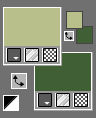
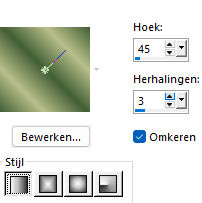
Replace your foreground color with a foreground/background linear gradient configured like this
Angle 45---Repeats 3---Invert checked
1.
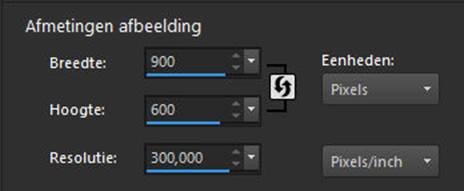
File---Open a new transparent image in this size:
Width ---900--- Height ---600.
Activate the Flood Fill Tool---Fill the layer with the gradient
2
Layers --- New Raster Layer
Fill the layer with the light color
2.
Open Masker--- masker-04-2025.pspimage
Click on the minus sign---Upper right.
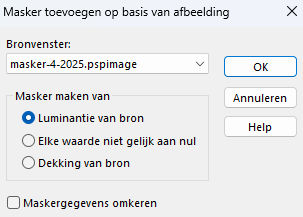
Layers---New mask layer--- From image ---Choose---masker-4-2025.pspimage
Layer---Merge---Merge Group
3.
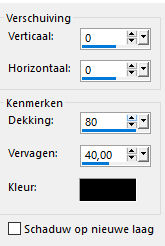
Effects---3D-effects--- Drop Shadow with these settings:--- 0---0---80---40 Color black.
4.
Open tube--- EMA_Misted fantasy winter landschap_02112024.pspimage
Image---Resize 90% ---Resize all layers not checked.
Edit---Repeat---Resize
Layers---Properties ---Reduce the opacity of this layer to ---65%
5.
Open tube--- 3a8c-removebg-preview.pspimage
Edit---Copy
Activate your work ---Edit --- Paste as new layer
Move the tube to the right
Effects---3D-effects--- Drop Shadow with these settings:--- 0---0---80---40 Color black.
6.
Open--- Deco--- neige .pspimage
Edit---Copy
Activate your work ---Edit --- Paste as new layer
Put the snow edge at the bottom.
7.
Open--- kerst-muis-ai.pspimage
Edit---Copy
Activate your work ---Edit --- Paste as new layer
Move the tube to the bottom left ---See finished image
8.
Open tube ---79-de.pspimage
Edit---Copy
Activate your work ---Edit --- Paste as new layer
Put the tube in a nice place
Drop shadow to your own discretion.
9.
Image --- Add Borders---Symmetric checked ---2 pixels---Dark color
Selections---Select All
Image --- Add Borders---Symmetric checked ---50 pixels---Color #fffff
Selections---Invert
10.
Effects---Plugins---<I C Net Software> Filters in Unlimited 2.0>---Simple--- Zoom Out and Flip
11.
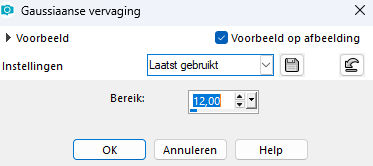
Adjust---Blur---Gaussian blur ---Radius 12
12.
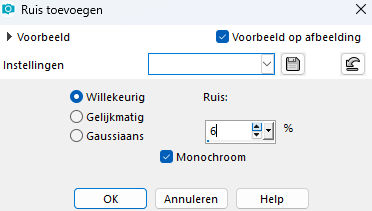
Adjust---Add/remove noise---Add noise---Random---Noise 6---Monochrome
13.
Selections---Invert---
Effects---3D-effects--- Drop Shadow with these settings:
---0---0---80---40. Color: black.
Selections---Select none.
Image --- Add Borders---Symmetric checked ---2 pixels---Dark color
Optionally add your own text.
Add your watermark to a new layer
Save as JPG
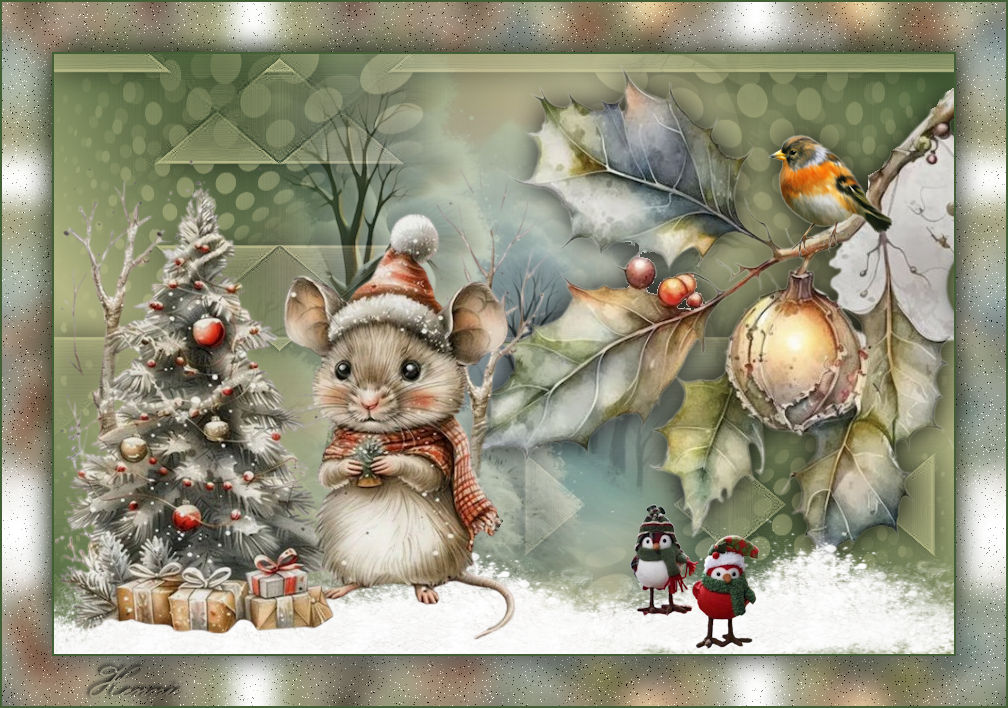
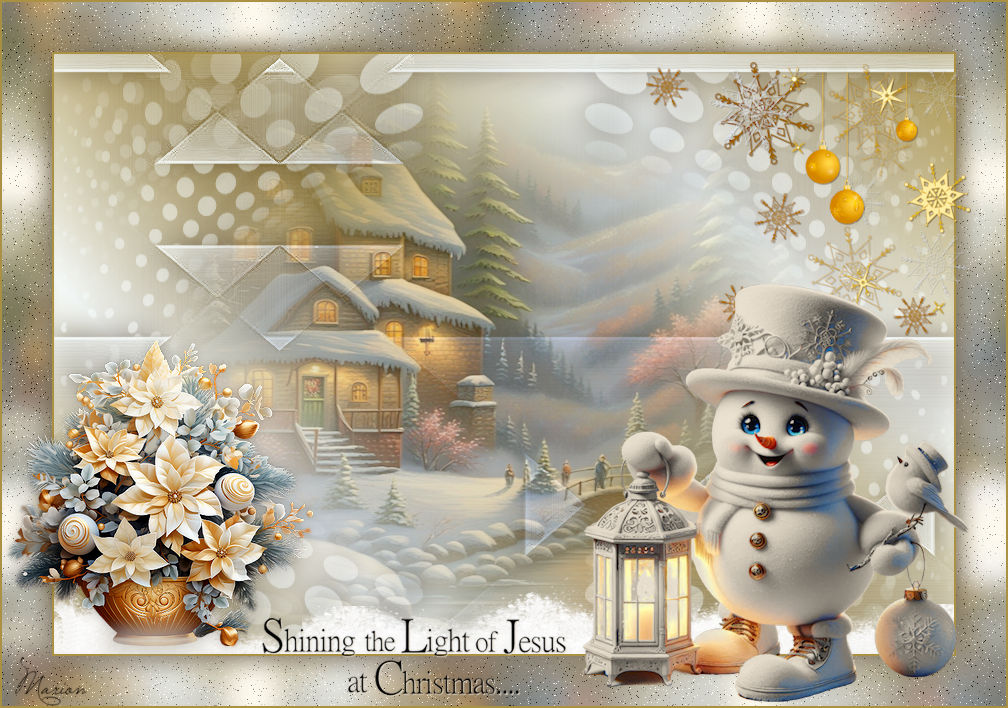
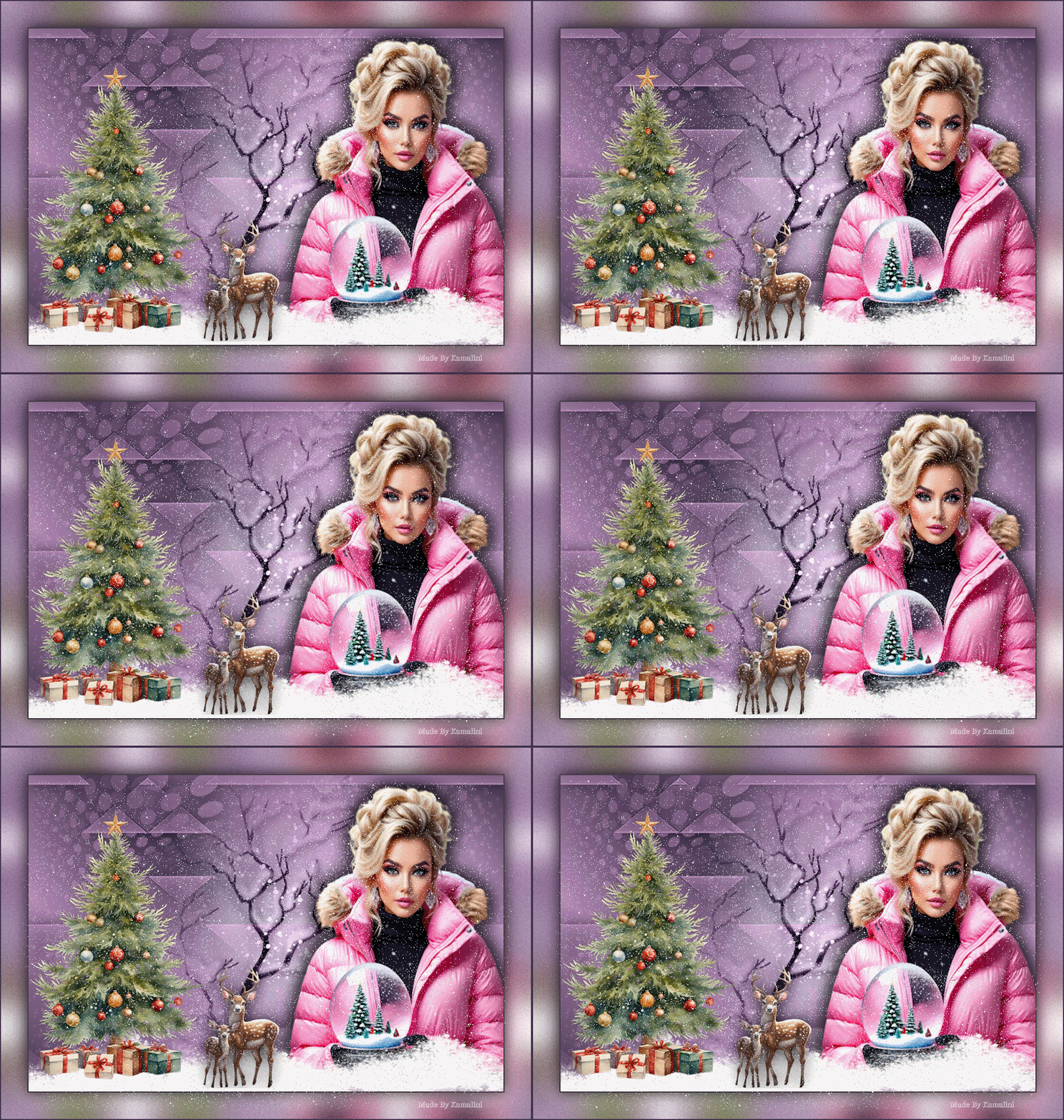
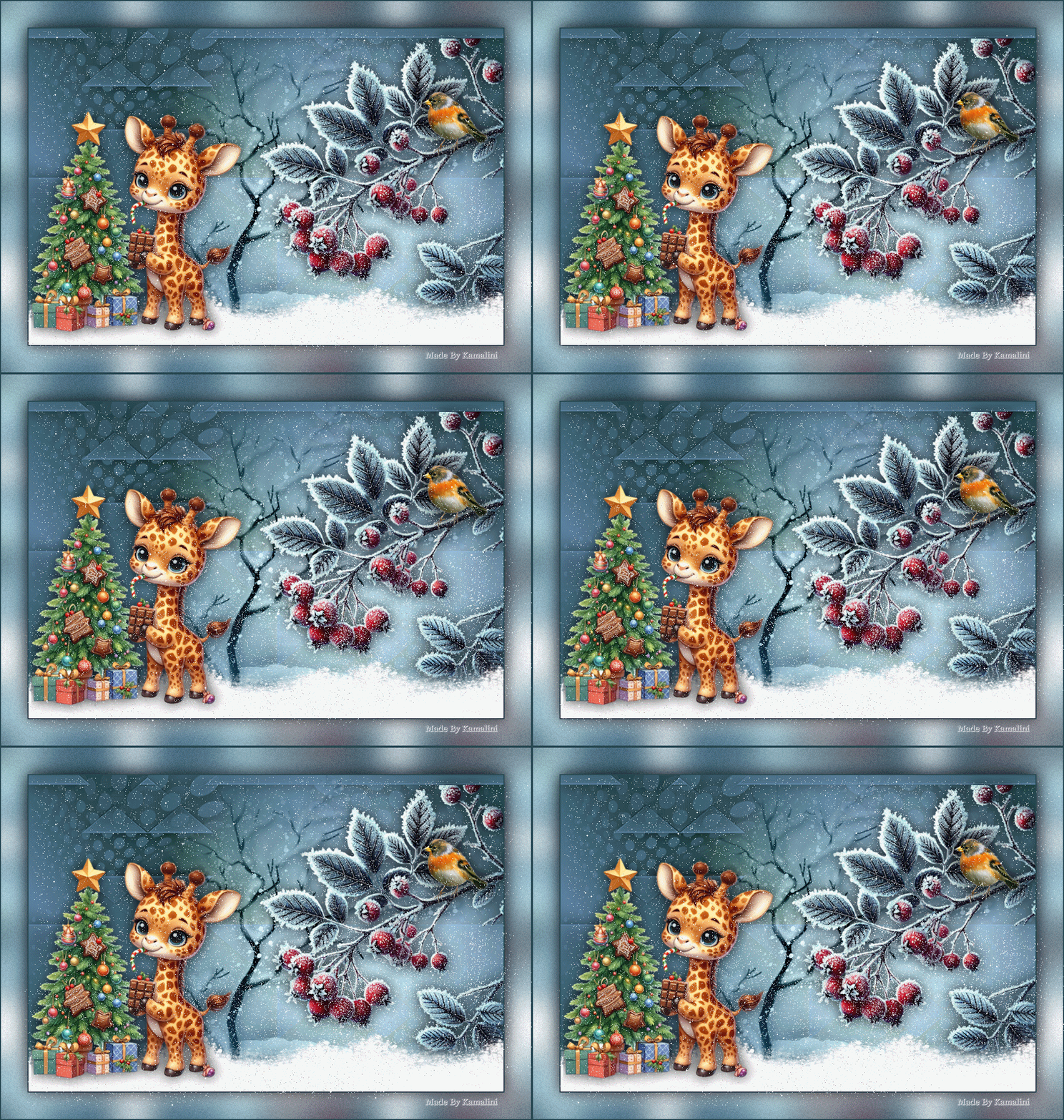
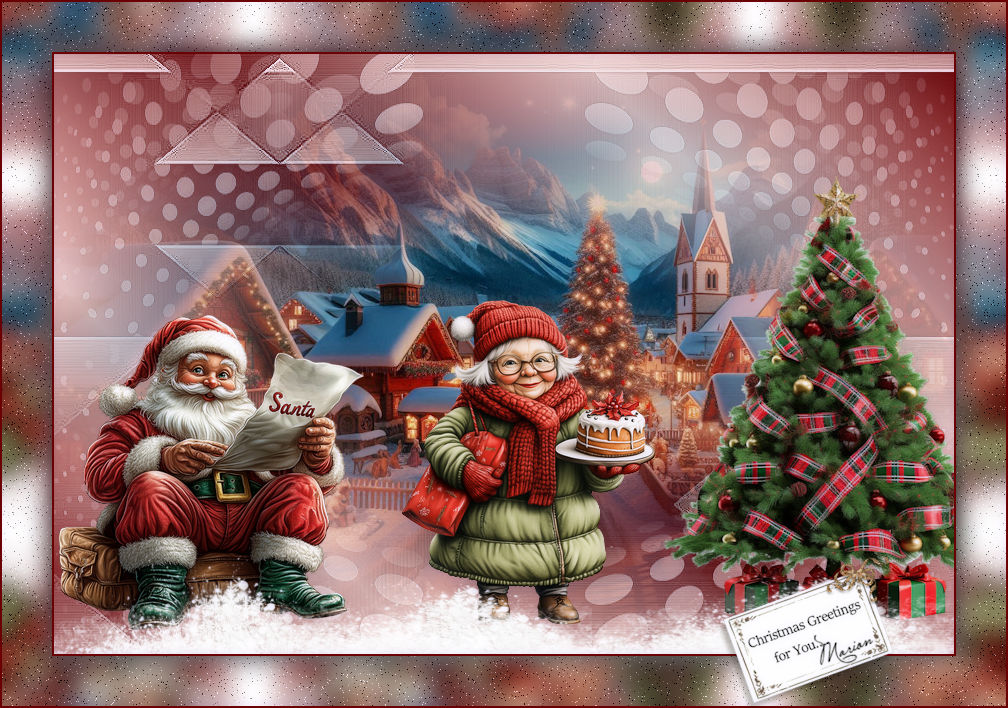
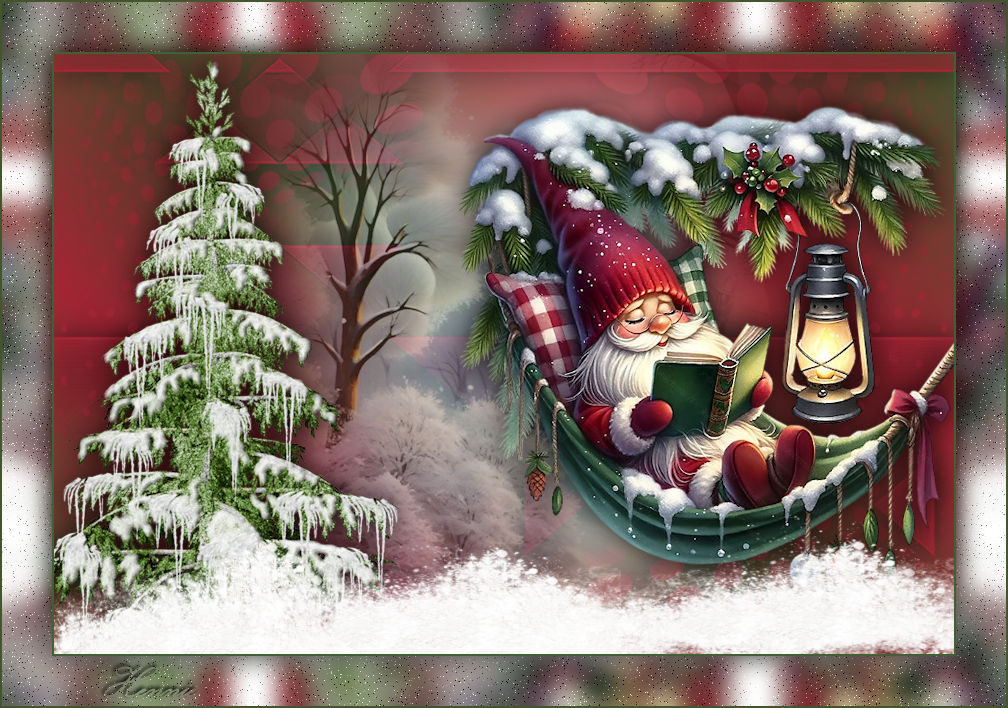
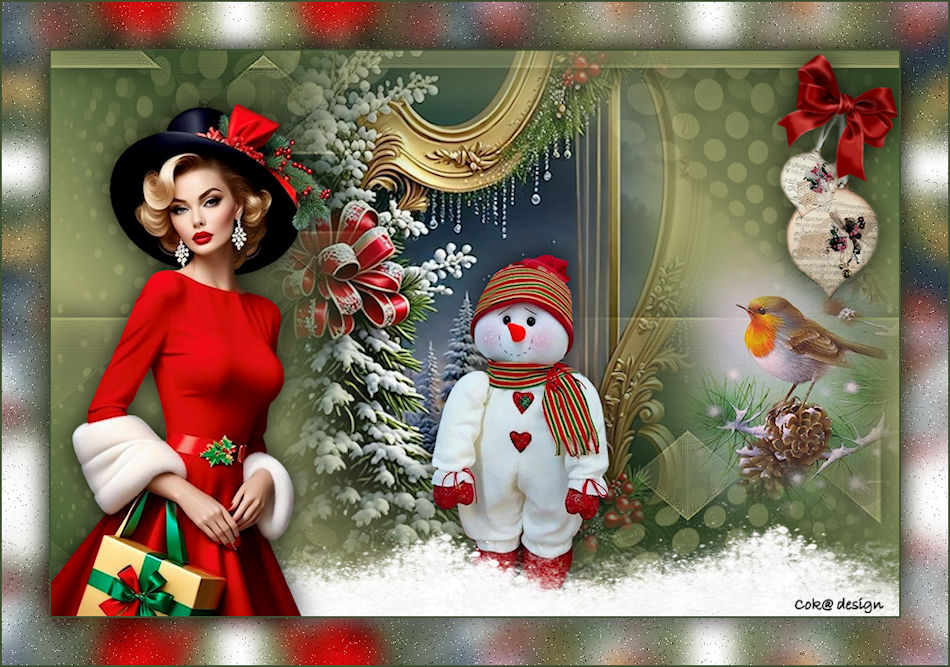
Een paar voorbeelden van de les gemaakt door Kamalini---Hennie---Corrie---Marion

|