Christmas lesson 1-2025
Translation made by MARION

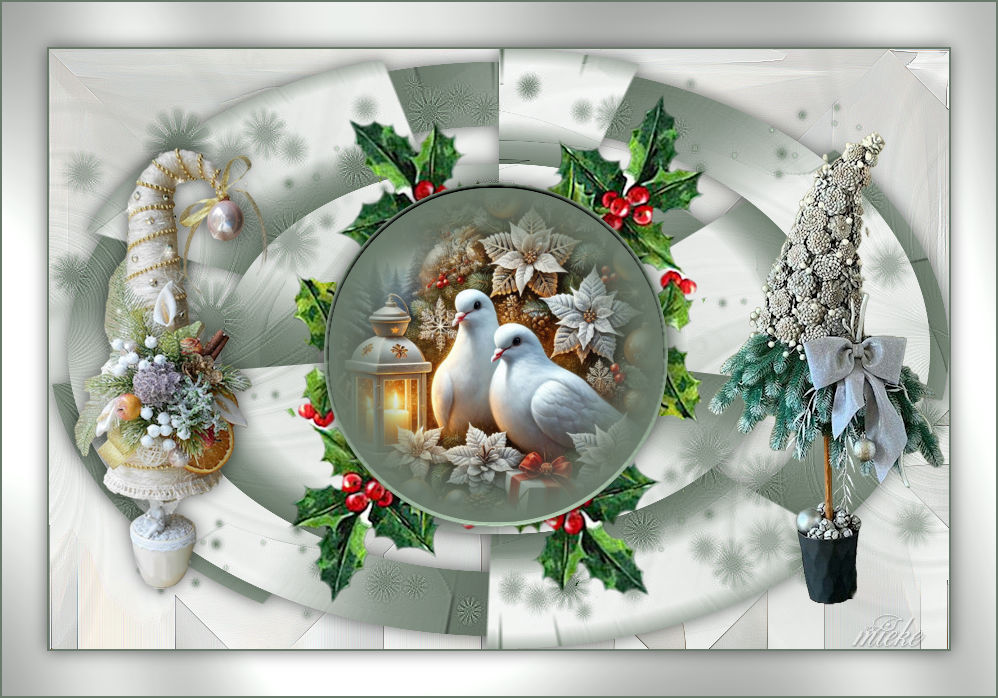
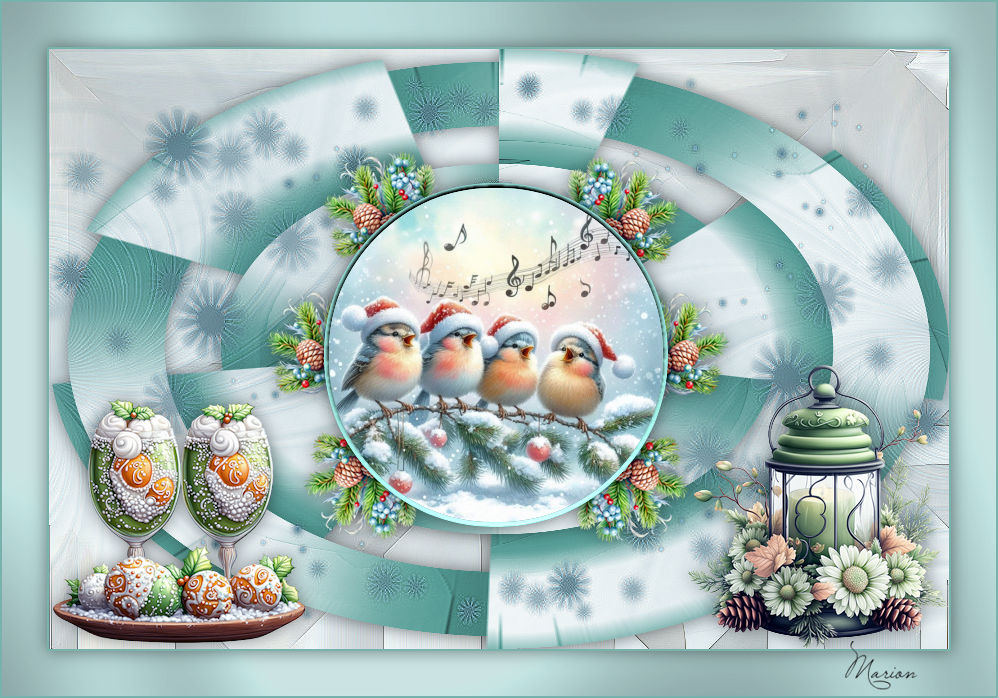
Material

Plugins
Filter---<I C Net Software> Filters Unlimited 2.0---VM
Natural
Filter---<I C Net Software> Filters Unlimited 2.0---Graphics Plus
Color Palette
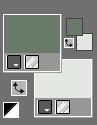
Set the foreground color to color #6a7a6a ---Set the background color to color # e4e7e4
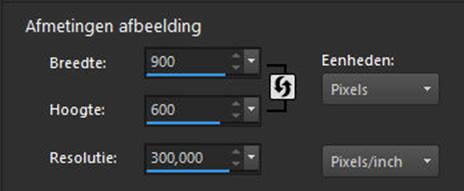
File---Open a new transparent image in this size
Width ---900--- Height ---600 pixels.
Selections---Select All
Open the background image --- ag-k-1-2025.jpg
Edit ---Copy
Activate your work---Edit---Paste into selection
Selections---Select none
Layers---Duplicate
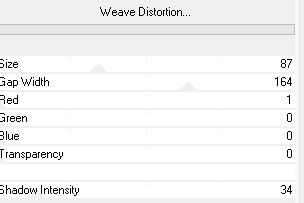
Effects---Plugins---<I C Net Software> Filters in Unlimited 2.0---VM Natural with these settings ---87---164---1---0---0---0----34
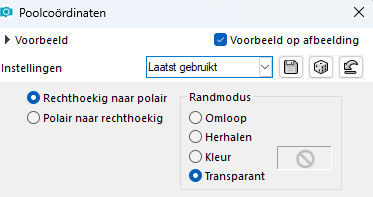
Effects---Distortion Effects--- Polar coordinates --- Rectangular to polar ---Transparent.
Adjust---Hue and Saturation---Colorize---85---15

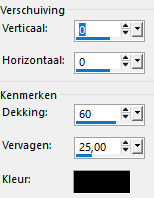
Effects---3D-effects--- Drop Shadow with these settings:--- 0---0---60---25. Color black.
Layers---New Raster Layer
Activate Flood Fill Tool – Fill the layer with the dark color
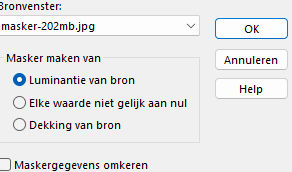
Layers---New mask layer---From image---Select ---masker-202mb,jpg
Layers---Merge---Merge Group .
Effects---Edge Effects---Enhance.
Selections –load/save selection –load selection from disc and select my selection: ---kerst-202-2
Layers--- New Raster Layer
Activate Flood Fill Tool – Fill the selection with the dark color
Selections---Modify---Contract---5 pixels.
Selections---Invert
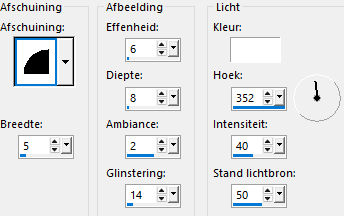
Effects---3D Effects---Inner bevel--Number -2---5---6---8---2---14---White---352---40---50.
Selections---Invert
Layers---New Raster Layer
Open--- 2024 12 16 Cat Dana mist N 16.pspimage (remove the watermark)
Edit---Copy
Activate your work---Edit---Paste into selection
Selections---Select none.
Layers---Merge---Merge Down.
Effects---3D-effects--- Drop Shadow with these settings:--- 0---0---60---25. Color black.
Open the tube --- deco-1-2025.pspimage
Edit---Copy
Activate your work ---Edit --- Paste as new layer
Layers---Arrange---Move Down
Effects---3D-effects--- Drop Shadow with these settings:--- 0---0---60---25. Color: black.
Open the tube--- kerst-b00.pspimage
Edit---Copy
Activate your work ---Edit --- Paste as new layer
Layers---Arrange---Move Down
Image---Resize 70% ---Resize all layers not checked.
Move the tube to the right side ( see finished image )
Effects---3D-effects--- Drop Shadow with these settings:--- 0---0---60---25. Color: black.
Open the tube--- kerst-caa k.pspimage
Edit---Copy
Activate your work ---Edit --- Paste as new layer
Layers---Arrange---Move Down
Image---Resize 90% ---Resize all layers not checked.
Move the tube to the left side ( see finished image)
Effects---3D-effects--- Drop Shadow with these settings:--- 0---0---60---25. Color: black.
Image --- Add Borders---Symmetric checked---2 pixels--- with your dark color.
Selections---Select All
Image --- Add Borders---Symmetric checked---45 pixels--- with your light color
Selections---Invert
Effects---Plugins---<I C Net Software> Filters in Unlimited 2.0---Graphics Plus---Cross Shadow
Set Intensity to 50, leave the rest as standard.
Selections---Invert
Effects---3D-effects--- Drop Shadow with these settings:--- 0---0---60---25. Color: black.
Selections---Select none
Image --- Add Borders---Symmetric checked---2 pixels--- with your dark color.
Add your watermark to a new layer
Save as JPG
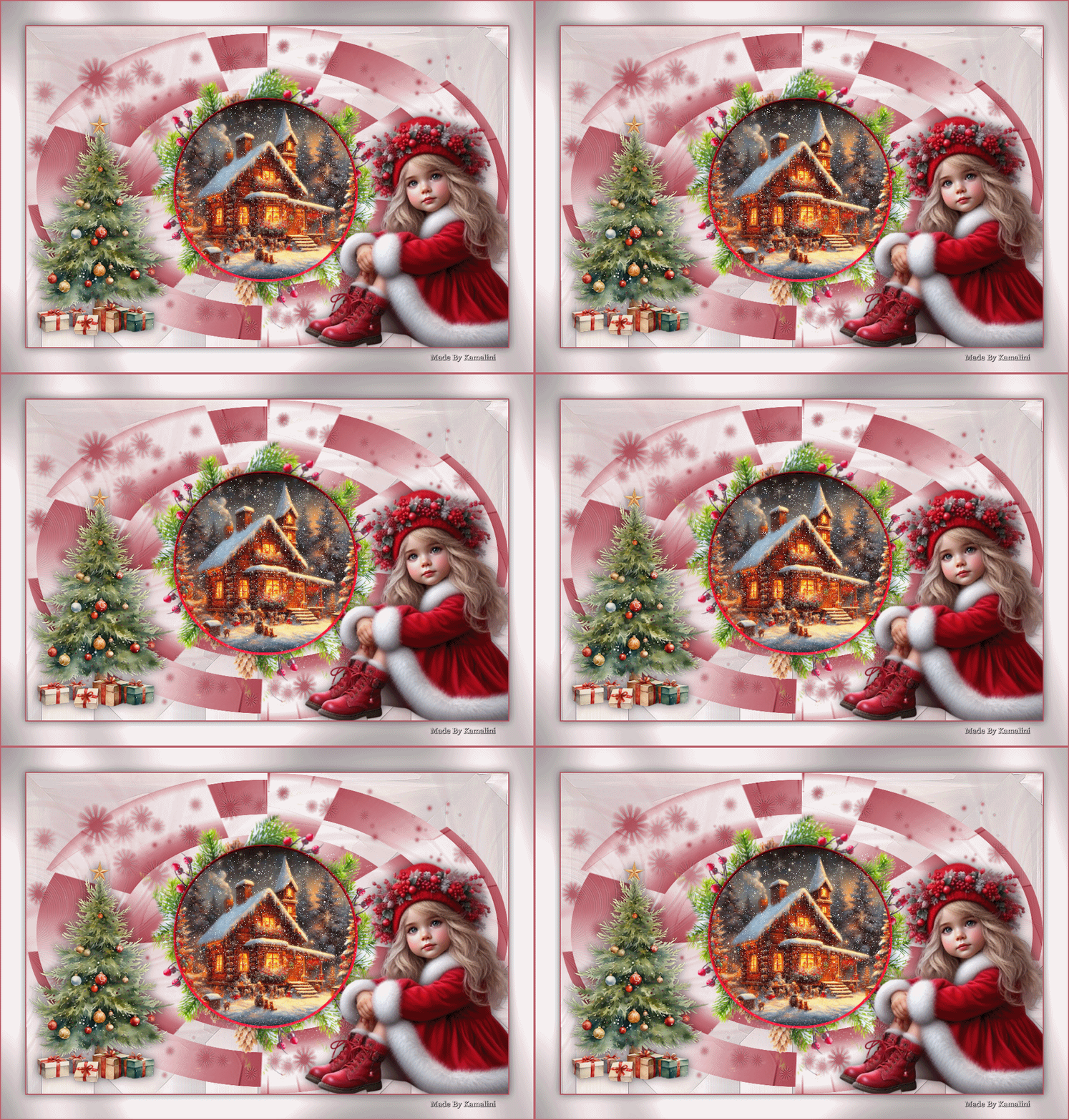
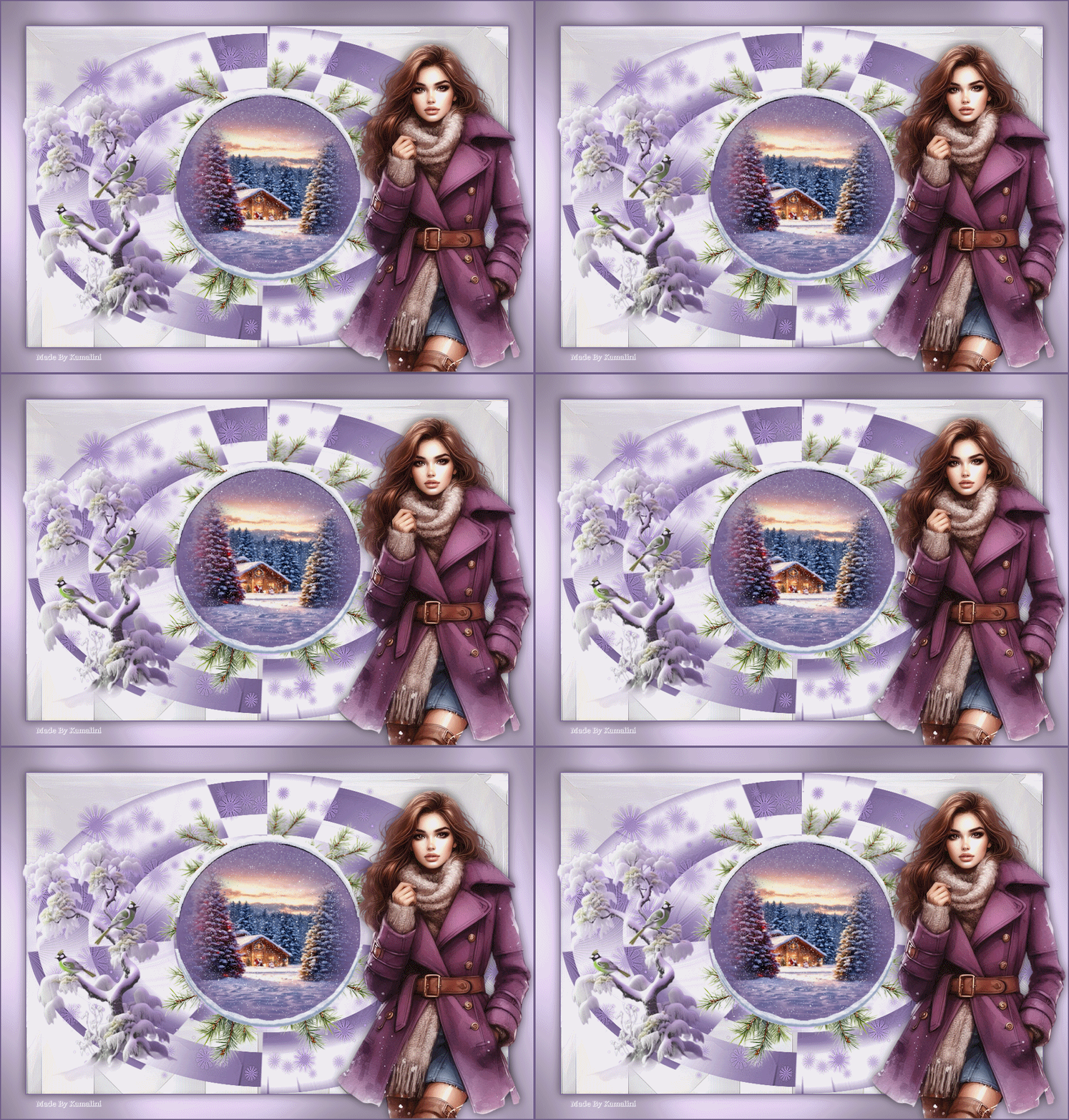
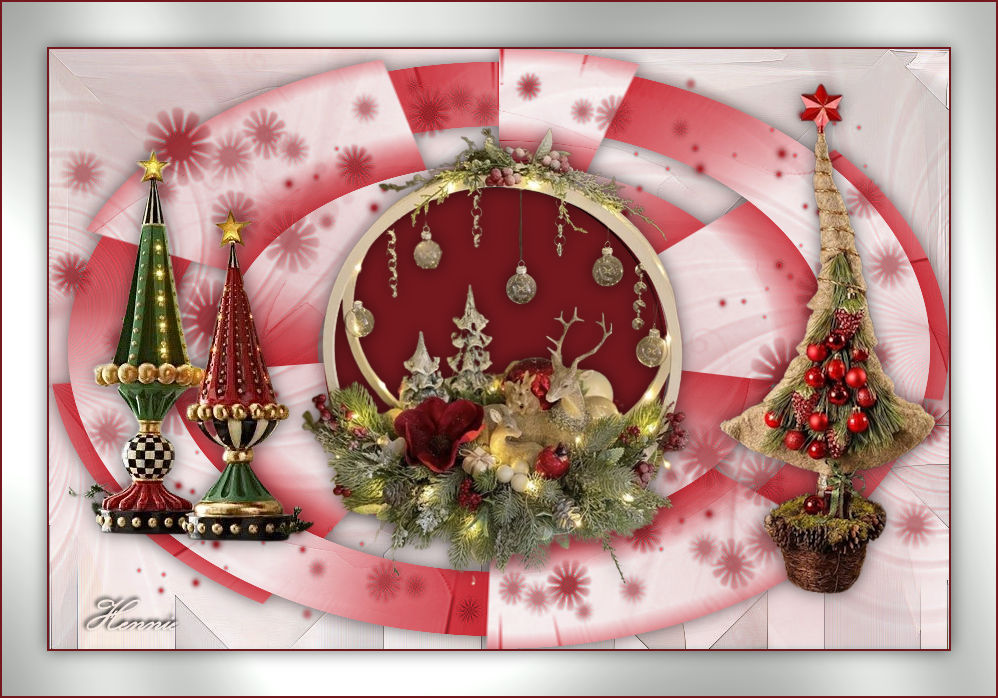
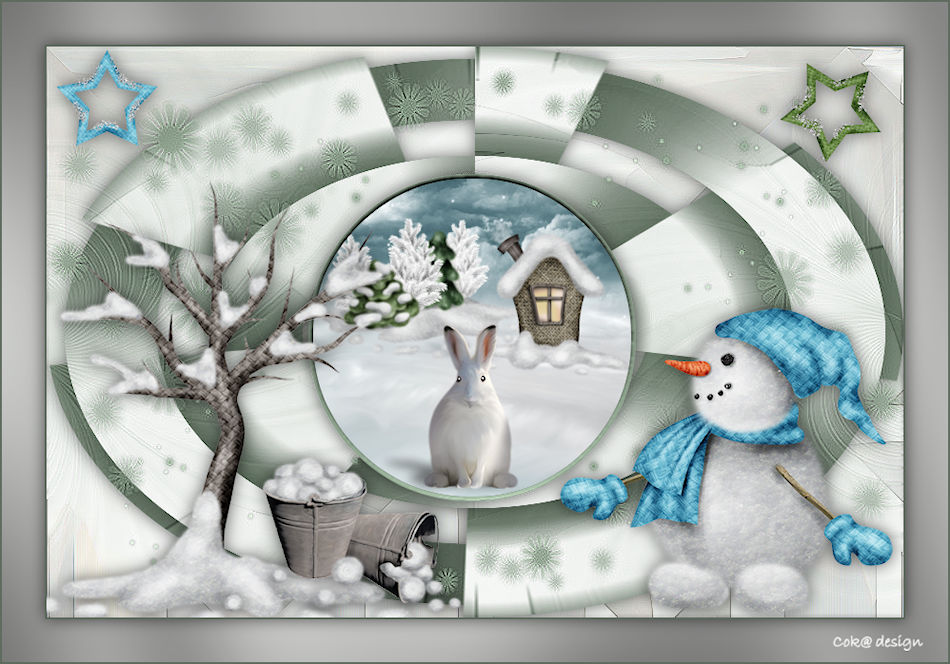
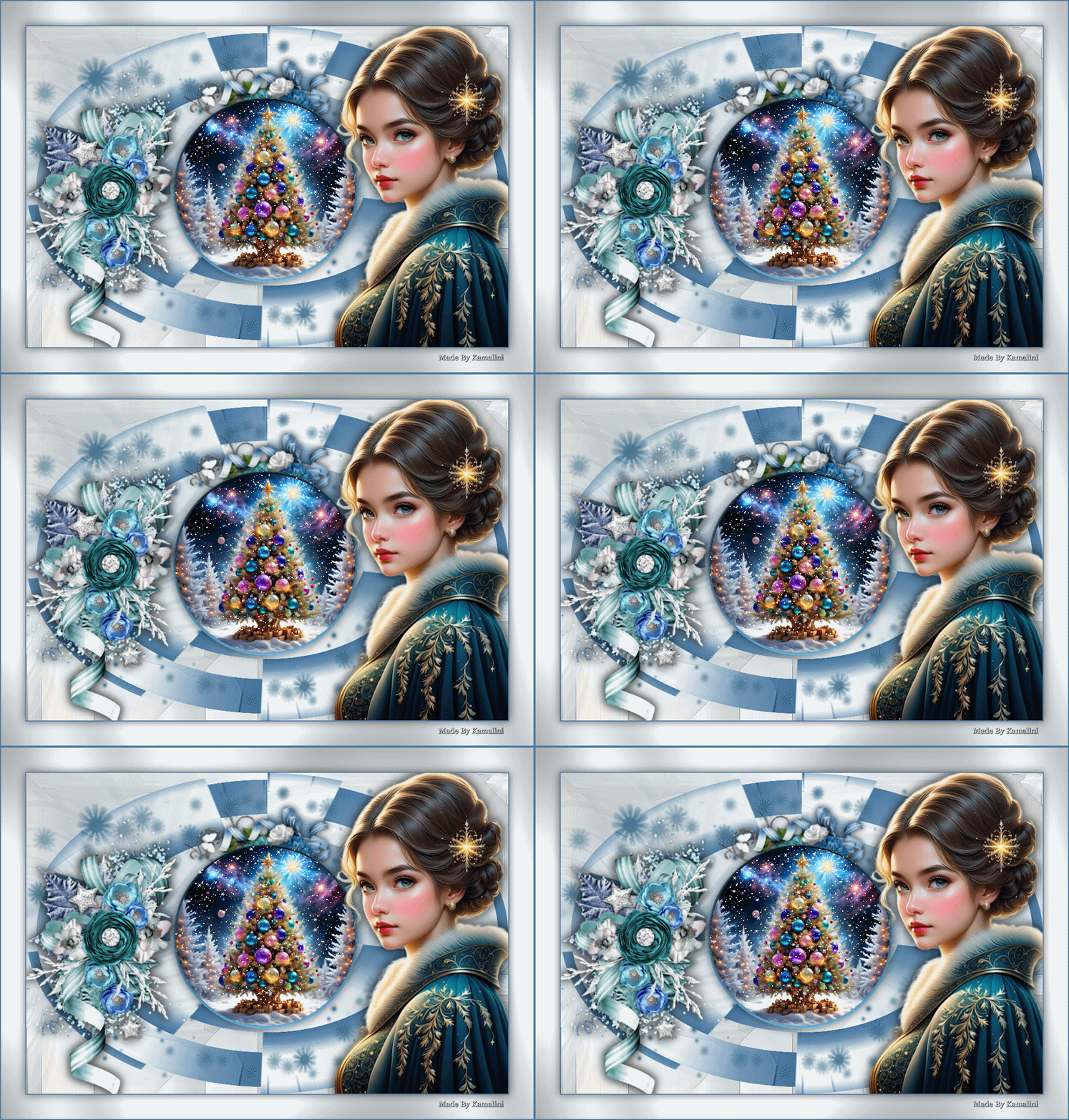
Voorbeelden gemaakt door Kamalini-Hennie-Corrie-Marion

|